
Download Fliqlo – Minimalist Clock Screensaver for Windows, Mac, Android & iOS
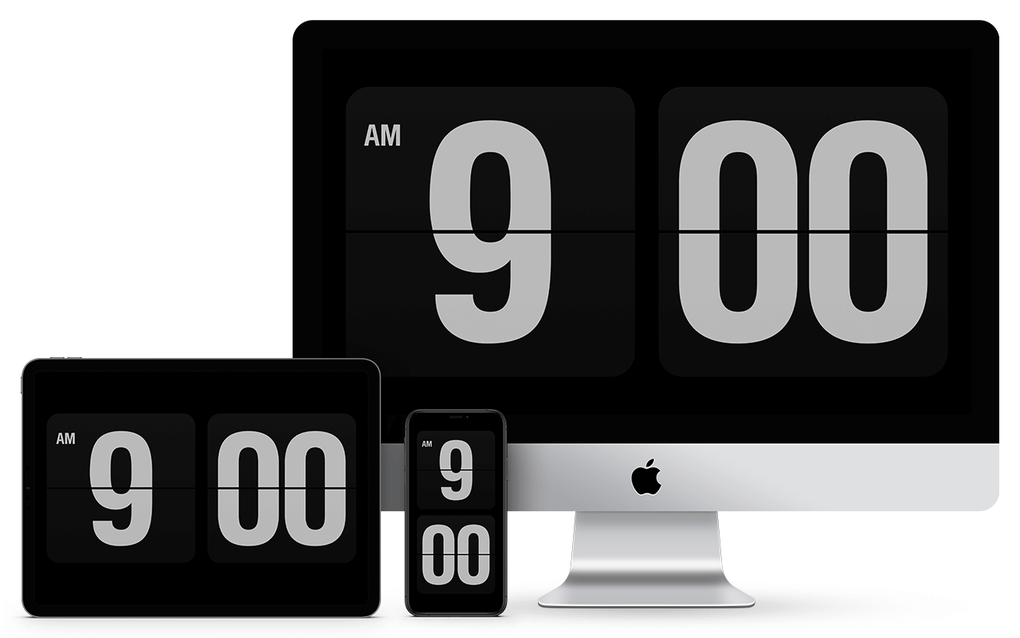
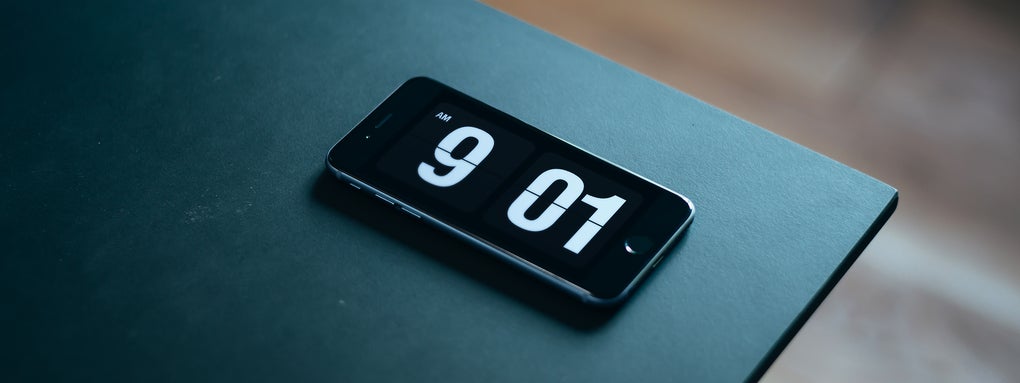
Fliqlo is a sleek, minimalist clock screensaver that turns an idle computer into a clear, easy‑to‑read time display. Designed with office environments in mind, Fliqlo activates only when your screensaver does, offering a large, legible digital clock that matches the system time down to the second. No longer do you need to wiggle the mouse or glance at a phone to know the hour; a quick glance at your monitor does the trick. Its clean white‑on‑black design reduces visual clutter while still being noticeable from a few feet away, making it an ideal productivity aid for anyone who spends long hours at a desk. Whether you’re juggling meetings, answering calls, or simply need a quick time check, Fliqlo delivers the information you need without interrupting your workflow.
Key Features of Fliqlo
- Minimalist Design: High‑contrast white digits on a black background for instant readability.
- Automatic Activation: Appears only when your computer’s screensaver is triggered, preserving battery and privacy.
- System Time Sync: Always reflects the exact time set on your operating system, updating in real‑time.
- Cross‑Platform Support: Available for Windows, macOS, Linux, Android, and iOS devices.
- Lightweight & Secure: Small download size, no intrusive permissions, and no ads.
- Customizable Timeout: Adjust how long the screen must be idle before the clock appears.
- Free Version & Optional Pro Upgrade: Core functionality is free; a paid Pro tier adds extra themes and multi‑monitor support.
Installation, Usage & Compatibility
Fliqlo runs on the following operating systems: Windows 10/11, macOS 10.13 or later, major Linux distributions (Ubuntu, Fedora, Debian), Android 5.0 and up, and iOS 13 or later. The app is designed to work seamlessly with the native screensaver settings of each platform.
Step‑by‑Step Installation Guide
- Download the Installer: Visit the official Fliqlo website and click the “Download for Windows/macOS/Android/iOS” button that matches your device.
- Run the Installer (Desktop): On Windows, double‑click the .exe file and follow the on‑screen prompts. macOS users open the .dmg, drag the Fliqlo icon to the Applications folder, and confirm any security warnings.
- Install on Mobile: For Android, download the .apk from the site or use the Google Play Store link; for iOS, tap the TestFlight link or App Store entry to install.
- Enable the Screensaver: After installation, go to your system’s display settings. Set “Fliqlo” as the default screensaver or lock‑screen widget.
- Configure Timeout: Adjust the idle time (e.g., 5 minutes) before the clock appears. On desktop, this is done via the “Screensaver Settings” panel; on mobile, use the app’s Settings page.
- Test the Setup: Manually trigger the screensaver (Windows: Win+L, macOS: Control+Shift+Power) to ensure the clock displays correctly.
Tips for Optimal Use
- Place your monitor at a comfortable viewing distance (2‑3 feet) for best readability.
- If you use multiple monitors, enable the “Mirror on all screens” option in the Pro version to show the clock on each display.
- For power‑conscious users, pair Fliqlo with your OS’s “Sleep after screensaver” setting to save energy.
- Regularly check for updates; the free version receives monthly patches that improve stability and add minor visual tweaks.
Pros, Cons & Frequently Asked Questions
Pros
- Instant, high‑visibility time display without interrupting workflow.
- Zero‑ad experience; the free version is fully functional.
- Lightweight footprint – less than 5 MB on desktop platforms.
- Works across all major operating systems, ensuring a consistent experience.
- Customizable idle timeout and optional Pro themes for personalization.
Cons
- Limited visual customization in the free tier – only the classic black‑and‑white theme.
- No built‑in alarm or timer functionality.
- On some Linux desktop environments, additional manual configuration may be required.
- Pro version required for multi‑monitor support, which may be a drawback for power users.
Frequently Asked Questions
Is Fliqlo completely free?
Yes, the core clock screensaver is free for all platforms. A optional Pro upgrade ($4.99) adds extra themes and multi‑monitor support.
Does Fliqlo consume a lot of battery on laptops?
No. Fliqlo is designed to be lightweight and only runs when the screensaver is active. Pair it with your OS’s “sleep after screensaver” setting for maximum energy savings.
Can I change the clock’s color or font?
The free version uses the classic white‑on‑black design. The Pro version unlocks additional color schemes and a few alternative fonts.
Is Fliqlo safe to download?
Absolutely. The software is signed, contains no malware, and is hosted on a secure HTTPS site. It does not request unnecessary permissions.
Will the clock stay accurate if my computer’s time changes?
Yes. Fliqlo pulls the current time directly from the operating system each second, so any manual or automatic time adjustments are reflected instantly.
Conclusion – Simple, Secure, and Perfect for the Office
Fliqlo proves that simplicity can be a powerful productivity tool. By turning an otherwise idle screen into a crystal‑clear clock, it eliminates the constant habit of moving the mouse or checking a phone for the time. Its lightweight footprint, cross‑platform availability, and secure, ad‑free experience make it a trustworthy addition to any workstation. Whether you’re a busy executive, a remote worker, or a student spending hours on a laptop, Fliqlo offers a frictionless way to stay on schedule. Download the free version today, configure your preferred idle timeout, and experience the subtle boost in efficiency that comes from knowing the time at a glance. For those who need extra flair or multi‑monitor support, the affordable Pro upgrade is a logical next step. Don’t let another minute slip by—install Fliqlo now and let your screen do the time‑telling for you.







